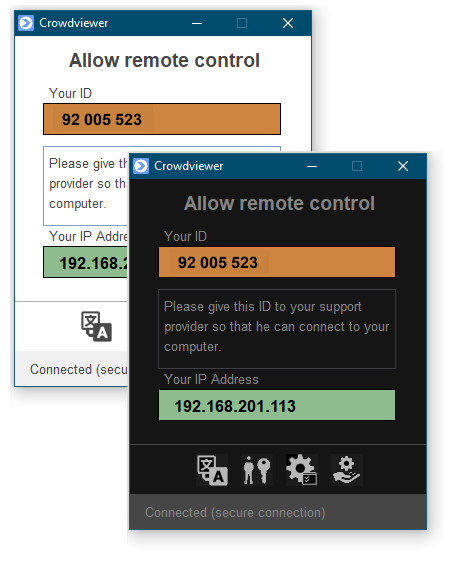
CrowdviewerFS (Fast Support) starts without installation and is immediately
available.
The support user simply gives the support employee their unique computer ID from
CrowdviewerFS, which they then enter into Crowdviewer.
The support user can then allow or deny the connection.
If CrowdviewerFS is installed as a Windows system service, any Windows computer
can be maintained unattended.
Optional, the connection can be secured with two-factor authentication.
CrowdviewerFS is free.