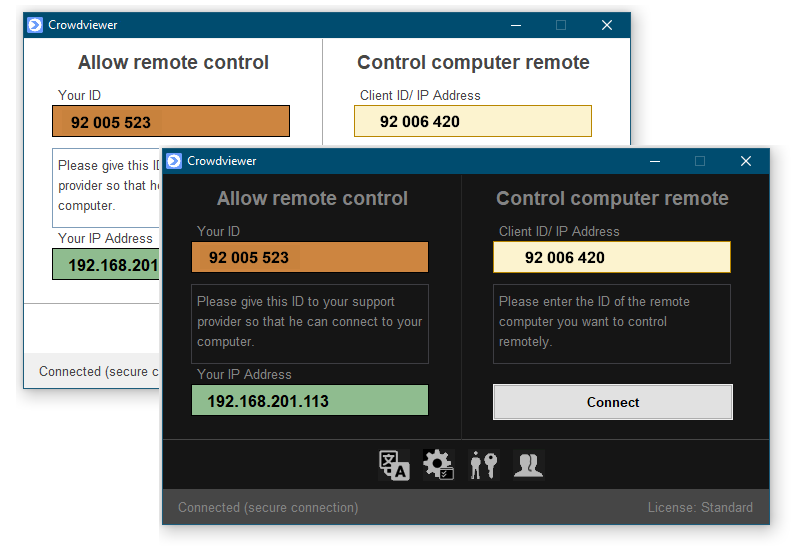
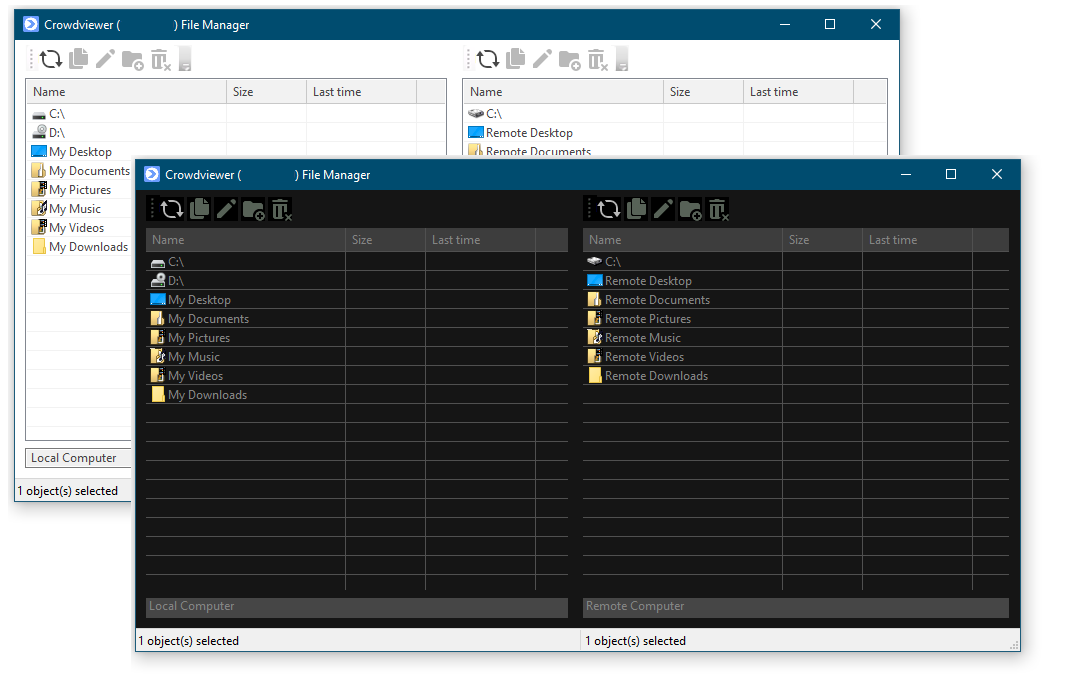
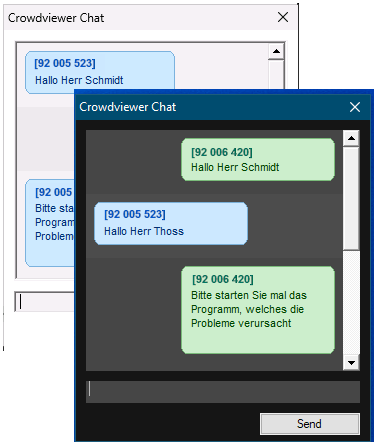
Crowdviewer starts without installation and is immediately available.
The support seeker simply gives the support agent their unique computer ID,
which they then enter into Crowdviewer.
By clicking the Connect button, the connection to the support seeker is
established. The support seeker ca n then accept or reject the connection.
Optional, the connection can be secured with two-factor authentication.
Try Crowdviewer free for 50 hours.