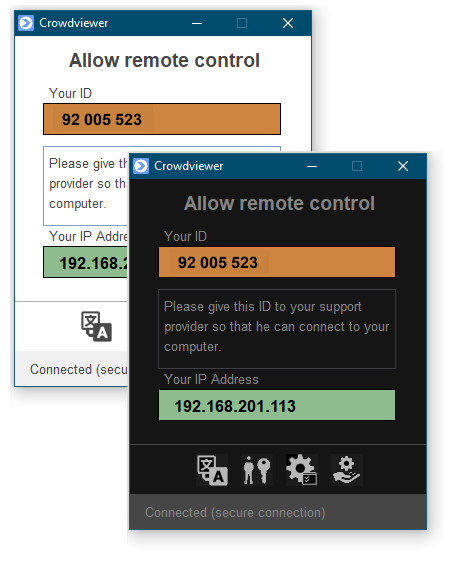
CrowdviewerFS (Fast Support) starts without installation and is immediately
available. The support user simply gives the support employee their unique
computer ID from CrowdviewerFS, which they then enter into
Crowdviewer.
The support user can then allow or deny the connection.
Unattended access as a Windows service
If CrowdviewerFS is installed as a Windows system service, any Windows computer
can be maintained unattended – ideal for servers, POS systems, and industrial PCs.
Optional two-factor authentication secures every connection. CrowdviewerFS is free.
Key features of CrowdviewerFS
- No installation required – portable start
- Runs as a Windows service for unattended access
- Compatible with Windows XP through Windows 11
- Two-factor authentication optional
- Free remote support host – no subscription